Grok Meal Planning Prompts: Plans and Grocery Lists (2026)
_.webp)
TL;DR: Grok is easiest to use for meal planning when you keep the request specific and ask for a simple format. Use the sourced prompts below to generate a plan, turn ingredients into a grocery list, and adjust fast when your week changes.
A simple way to use Grok without getting generic results
Most people open Grok and type something broad like “make me a healthy meal plan,” then get a plan that looks fine but does not fit their time, kitchen, or preferences. The fix is to start with a plan prompt that has a clear constraint, then follow with a grocery-list prompt and one quick swap prompt.
If you want the planning basics in plain language first, Meal Planning Basics: How to Start (Beginner Guide) is a good foundation for what a realistic week should look like.
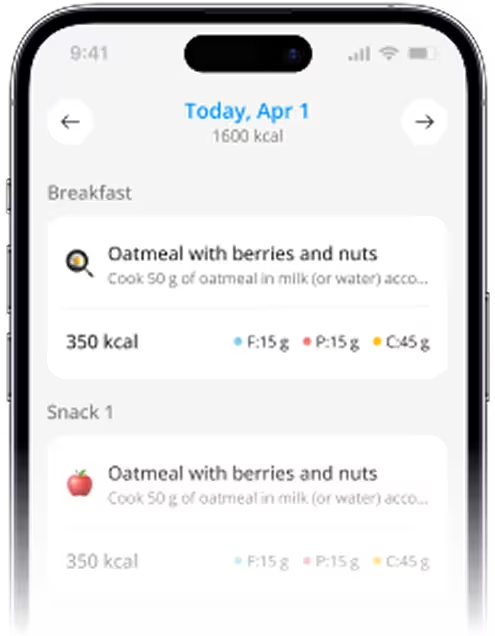
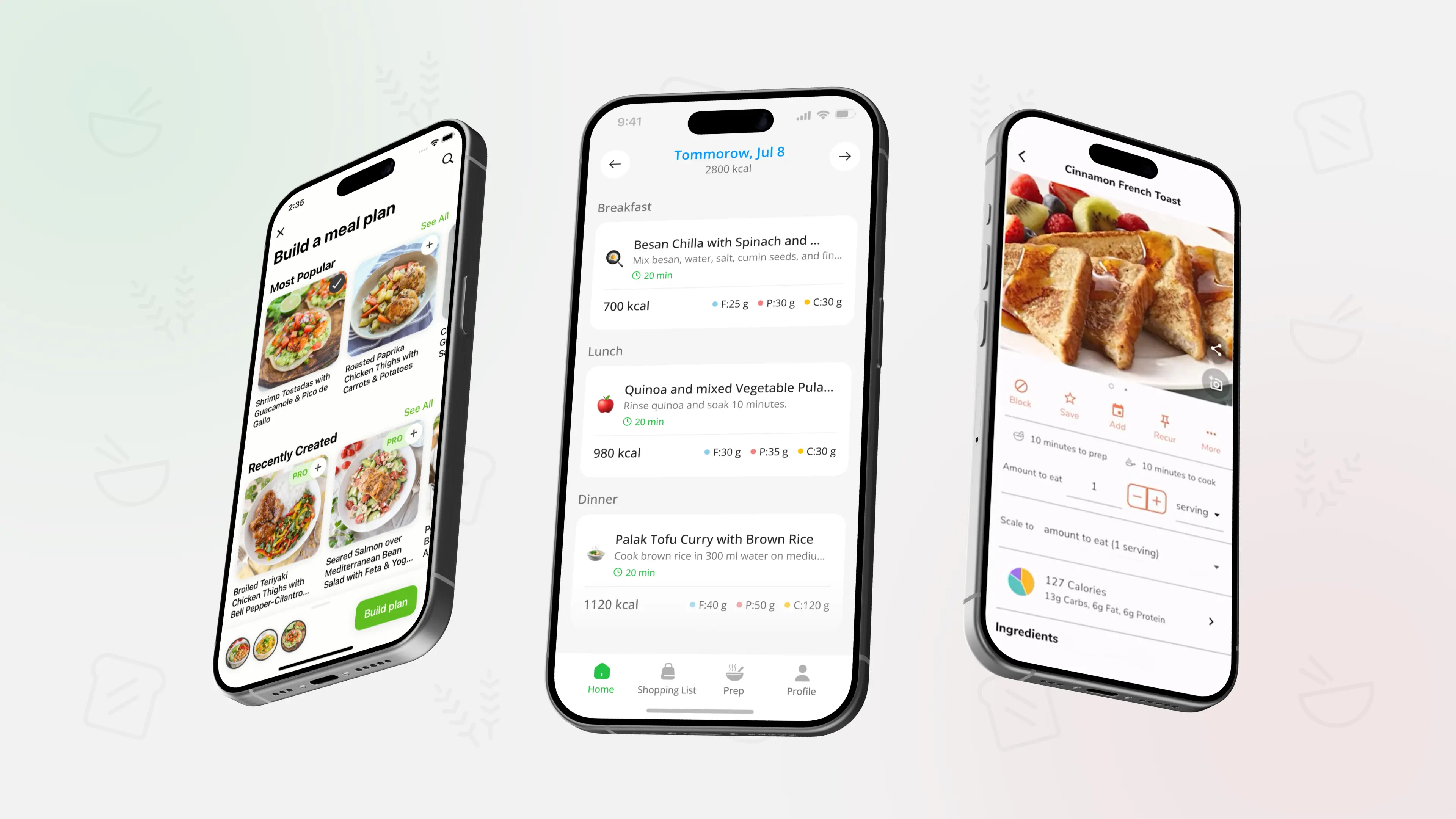
If you would rather skip prompting, PlanEat AI generates a weekly meal plan and a grouped grocery list personalized to your goals, dislikes, cooking time, and basic restrictions, with simple meal swaps when a meal does not fit your week.
Prompt stack 1: Get a usable meal plan draft
Pick one of these as your first message in Grok. They are short on purpose and work best when you follow up with a grocery-list prompt.
- Prompt: "Plan a balanced meal plan for weight loss"
- Prompt: "Create a weekly meal plan based on high-protein, low-carb foods."
- Prompt: "Suggest a 3-day meal plan."
- Prompt: "Create a 5-day dinner plan using only chicken, spinach, and rice. Must be under 30 minutes to cook and yield leftovers for lunch."
- Prompt: "Create a step-by-step meal plan for someone who wants to start eating more plant-based foods but has never cooked vegetables before."
A practical tip: if Grok gives you recipes that feel too complex, do not restart. Keep the plan, then ask for simpler variants and re-use ingredients across days.
Prompt stack 2: Turn ideas into grocery lists you can shop
These prompts help when you already have meals or ingredients and you want a list that is easier to shop.
- Prompt: "Organize this into a grocery list: chicken, broccoli, rice, soy sauce, garlic"
- Prompt: "When I say ‘low on milk’, add it to grocery list"
- Prompt: "walk through creating a shared grocery list that updates in real time for me and my college kid"
Once you have a grocery list, you can make it more useful by keeping it grouped the same way every week. Grocery List Structure & Money-Saving Tips has a simple structure that helps your cart turn into real meals.
Prompt stack 3: Fix the plan midweek with quick swaps
Use these when your schedule changes and you need a fast alternative.
- Prompt: "Give me 5 dinner ideas using chicken, under 30 minutes, high protein."
- Prompt: "I have $50 to feed two people for a week, no stove, and only a microwave. Create a meal plan."
If the swap ideas are good but you need better planning prompts across different scenarios, Using ChatGPT For Meal Planning: Updated Prompts (2026) can give you more structured variations you can also run in Grok.
If you want the same flexibility without rewriting prompts, PlanEat AI helps you save a plan as reusable and swap meals quickly while keeping a steady base of repeatable protein and fiber across the week.
FAQ
Are these prompts actually for Grok, or for any AI?
They are public prompts and examples shared in Grok-focused guides and AI prompt roundups, and they work well in Grok. If you paste them into another chatbot, you will usually get similar planning output.
Why do my AI meal plans feel unrealistic?
Usually the prompt is too vague, or it asks for too much at once. Start with a plan draft, then request grocery organization, then do swaps. Smaller steps beat one mega-prompt.
How do I get a grocery list that is not a mess?
Ask the model to organize items into grocery categories and keep ingredients repeating across the week. Then sanity-check portions by thinking in meals, not individual items.
What should I double-check before I cook?
Always double-check food safety, allergies, and any instructions that sound unclear. AI can be helpful for planning, but it can still output mistakes.
The fastest Grok workflow
Use a simple plan prompt first, then a grocery-list prompt, then one swap prompt for real-life changes. That three-step flow keeps meal planning practical and prevents you from restarting every time your week gets messy.

.webp)
.webp)
.webp)
%20(2026).webp)
.webp)
.webp)
.webp)
%20(2026).webp)
.webp)
%20(2026).webp)
.webp)
.webp)
.webp)
%20Quick%20Ideas%20(2026).webp)
.webp)
.webp)
.webp)
%20Simple%20Staples%20(2026).webp)
.webp)


.webp)
.webp)
.webp)
_.webp)


.webp)
_webp.webp)
_.webp)
_.webp)
_webp.webp)
.webp)
.webp)
_%20What%20to%20Buy%20When%20(2026)_.webp)
_.webp)
webp.webp)
_.webp)
.webp)
.webp)
.webp)
.webp)
.webp)
.webp)

.webp)
.webp)
.webp)
.webp)
.webp)
.webp)

.webp)
.webp)
%20%2B%207%E2%80%91Day%20Menu.webp)
.webp)


.webp)
.webp)




.webp)
.webp)
.webp)
.webp)
%20iOS%20Focus.webp)
.webp)