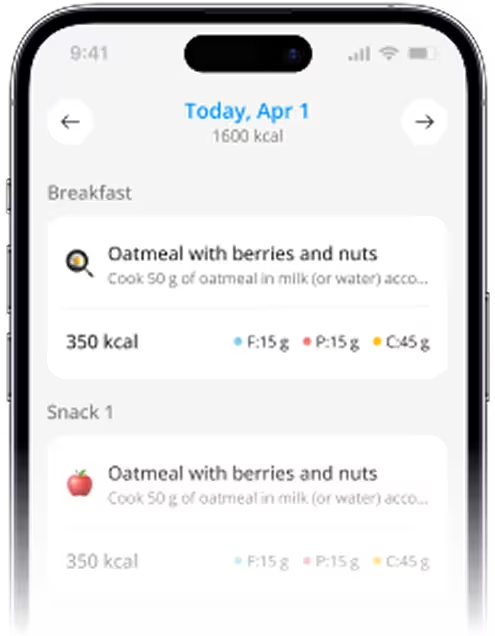
Top Nutrition And Diet Apps (2026): iOS Focus
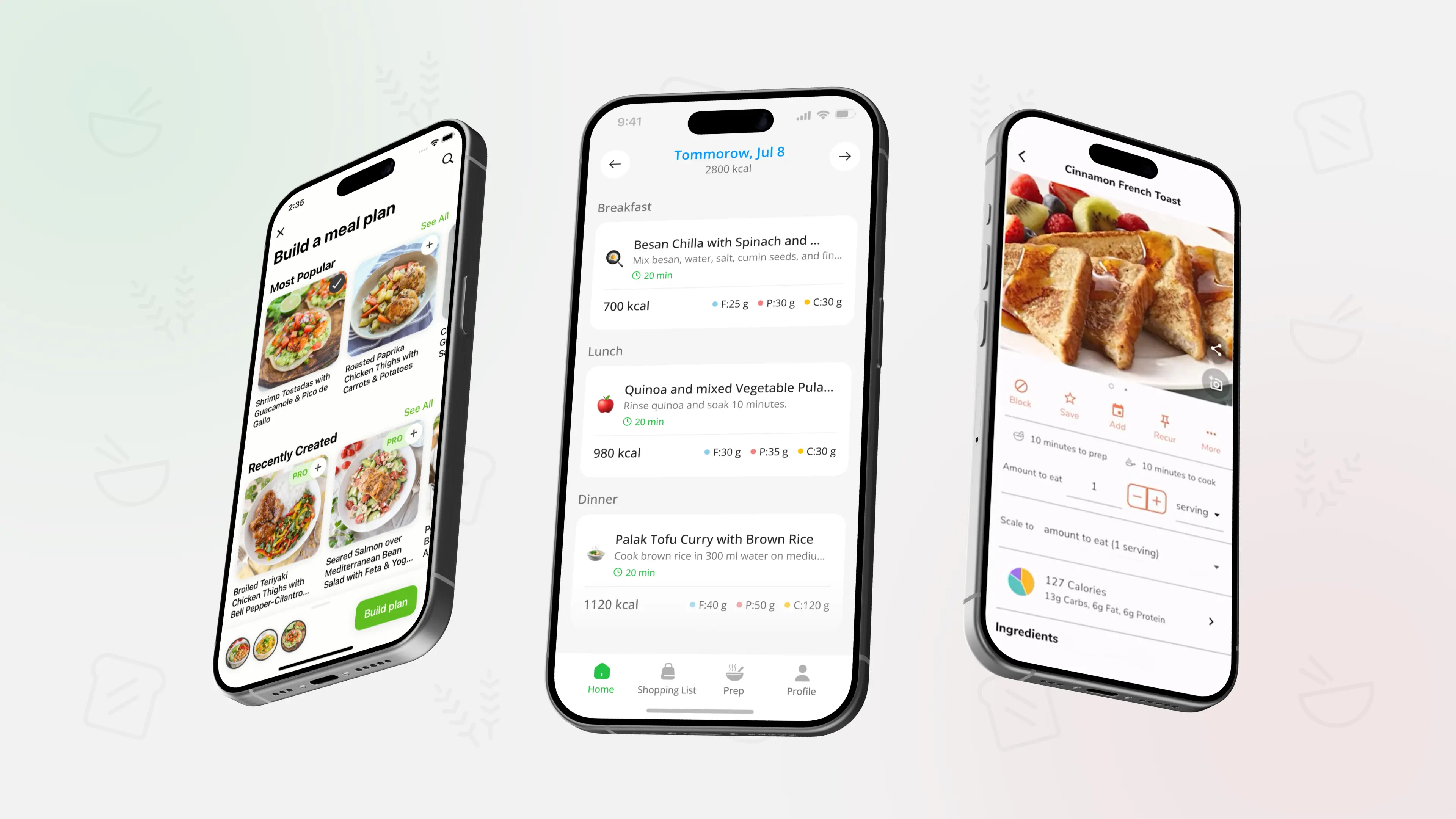
TL;DR: The best iPhone nutrition app is the one you will actually use for more than two weeks. In 2026, the simplest setup is usually one app for meal planning and one app for tracking, only if you truly need tracking.
What to look for on iPhone in 2026
Most people do not need a perfect app. They need a workflow that makes grocery shopping and weekday meals easier, without turning food into a second job. Start by picking the type of support you want: planning, tracking, coaching, or a mix.
If your main goal is consistency, meal planning tools tend to beat pure calorie tracking because they reduce daily decisions. If you are not sure which direction fits you, compare the tradeoffs in Calorie Counting vs Meal Planning: What Works Better?.
Key filters that help you choose fast:
- If you hate decisions: pick an app that builds structure (plans, templates, repeat meals)
- If you like numbers: pick an app with simple logging and clear summaries
- If you get overwhelmed: avoid apps that push too many features at once
- If you cook at home: prioritize grocery lists and repeatable ingredients
Top nutrition and diet apps for 2026 (iOS)
- Best for: weekly meal planning plus a structured grocery list
- Why iPhone users pick it: weekly plans and grouped grocery lists that keep meals repeatable and practical
- Good to know: it is a planning-first app, so if you want detailed macro targets, you can pair it with a tracker, but many people do not need that level of detail
- Best for: broad food tracking with calories and macros
- Why iPhone users pick it: an all-in-one approach that combines nutrition logging with fitness tracking
- Good to know: it can feel heavy if you only want light tracking, so set a simple goal and ignore extra features
- Best for: straightforward calorie tracking with optional fasting support
- Why iPhone users pick it: quick logging and clear progress tracking without needing advanced setup
- Good to know: works best when you keep the habit small, like logging only dinner for the first week
- Best for: people who care about micronutrients and detail
- Why iPhone users pick it: deeper nutrient breakdown than most trackers
- Good to know: it is powerful, but it is not the best choice if you already feel food tracking is stressful
- Best for: flexible tracking with a more lifestyle feel
- Why iPhone users pick it: multiple ways to log meals and a polished iOS experience
- Good to know: treat it as a helper, not a judge, the app is useful even if you log imperfectly
- Best for: a clean, iOS-native nutrition tracker
- Why iPhone users pick it: a fast interface and a focus on simplicity
- Good to know: great if you want less noise than bigger platforms, especially for daily tracking habits
- Best for: structured tracking with practical logging tools
- Why iPhone users pick it: a simple flow with features like barcode scanning and clear daily summaries
- Good to know: it is most effective when paired with a basic weekly plan, otherwise tracking can become reactive
- Best for: macro-focused users who want coaching-style guidance
- Why iPhone users pick it: macro tracking with algorithm-driven adjustments and a strong coaching angle
- Good to know: it is not necessary for most beginners, it shines when you already understand the basics
How to use apps without turning nutrition into a full-time job
A simple setup is usually enough:
- One planning tool to decide meals ahead of time
- One tracker only if tracking clearly helps you stay consistent
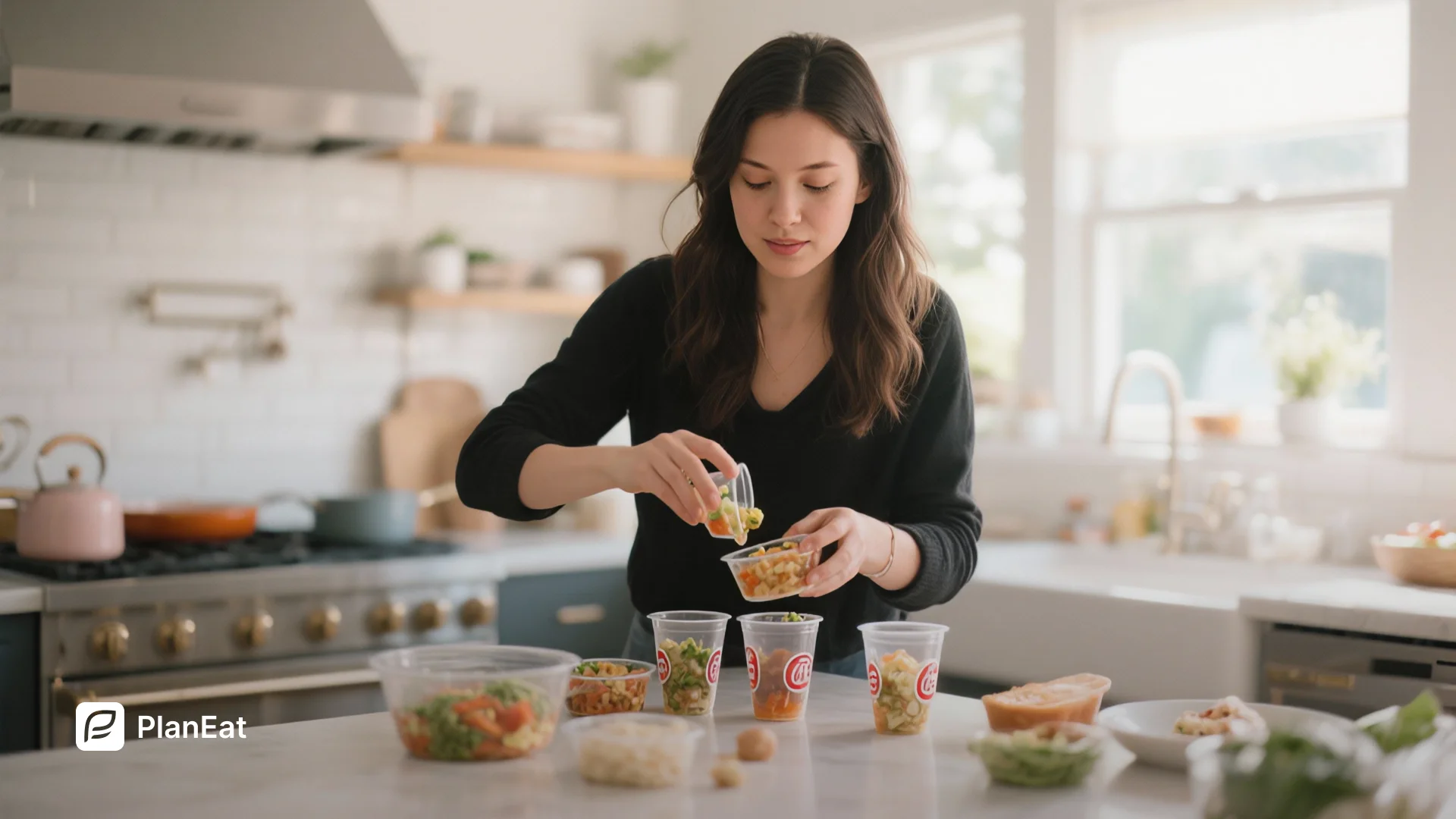
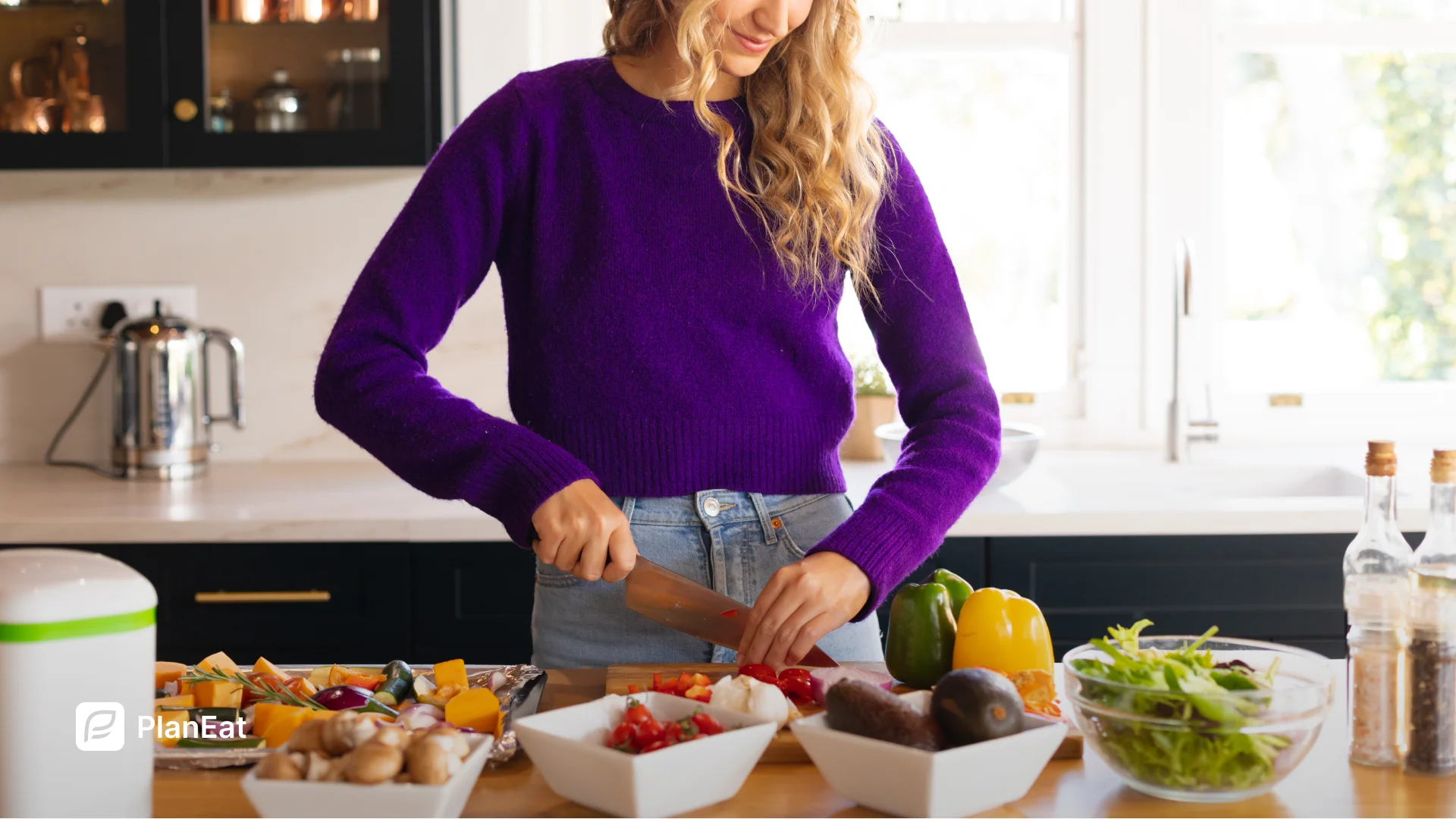
If you want planning without complexity, build a default weekly structure you can reuse, then swap meals only when needed. That approach matches what we recommend in Meal Planning for Busy Professionals, where your plan needs to survive busy weeks, not perfect weeks.
With PlanEat AI, you can save a weekly plan as reusable, swap meals quickly when your week changes, and keep a repeatable protein-and-fiber backbone so meals stay consistent without overthinking.
FAQ
What is the best iPhone app if I just want to eat healthier, not track everything?
Start with a planning-first app that gives you structure for meals and groceries. You can always add tracking later if you truly need it.
Do I need a calorie tracker to lose weight?
Not always. Many people do better with meal planning and consistent portions, especially if tracking makes them obsessive.
Which app is best for meal planning, not calorie counting?
Look for apps that create weekly plans and grocery lists and let you adjust meals easily. Tracking apps can help, but they are not the same as planning.
Is it better to use one app or combine two?
One app is best if it covers your real need. Two apps can work if each has a clear role, planning versus tracking, without overlap.
How do I choose between macro tracking apps?
If macros motivate you, pick an app that makes logging feel easy and shows clear summaries. If macros stress you out, skip them and focus on repeatable meals.
Educational content only, not medical advice.
Pick the app that matches your daily reality
The best nutrition app is the one that reduces friction in your week, not the one with the most features. Start with planning if decisions and groceries are your main pain, add tracking only when it clearly helps.

.webp)
.webp)
.webp)
.webp)
.webp)
%20(2026).webp)
.webp)
.webp)
.webp)
%20(2026).webp)
.webp)
%20(2026).webp)
.webp)
.webp)
.webp)
%20Quick%20Ideas%20(2026).webp)
.webp)
.webp)
.webp)
%20Simple%20Staples%20(2026).webp)
.webp)


.webp)
.webp)
.webp)
_.webp)
_.webp)


.webp)
_webp.webp)
_.webp)
_.webp)
_webp.webp)
.webp)
.webp)
_%20What%20to%20Buy%20When%20(2026)_.webp)
_.webp)
webp.webp)
_.webp)
.webp)
.webp)
.webp)
.webp)
.webp)
.webp)
.webp)
.webp)
.webp)
.webp)
.webp)
.webp)

.webp)
.webp)
%20%2B%207%E2%80%91Day%20Menu.webp)
.webp)

.webp)
.webp)



.webp)
.webp)
.webp)
.webp)